For practitioners who have a website or opt-in pages and want to know what’s bringing clients
You’re putting time into posts and emails. But which of it is bringing clients?
If you can’t answer that question, you’re not doing anything wrong. You just don’t have the information yet. This is how you get it, without touching a single spreadsheet.
A website and opt-in pages you can’t measure are just a guess
You have a website, maybe some opt-in pages, and you’re posting, emailing, perhaps paying for ads. And somewhere in the back of your mind is a question you can’t quite answer: which of this is actually working?
I mean working the way that counts: someone found you, liked what they saw, signed up for your free gift, and eventually booked a call.
Do you recognise this?
You put time into a social media post, it gets a few likes, and you have no idea whether anyone actually visited your website or your opt-in page because of it.
Or you send an email, someone clicks through, and then silence. Did they read your page? Did they leave in thirty seconds? Did they click to book and something went wrong? You genuinely don’t know.
So you do more of everything, because more feels safer.
More posts
More emails
More effort
And the tiredness builds, because effort without information is really just hope.
Maybe this is you.
You’ve heard about Google Analytics and thought, “Oh, I should have that.”
Maybe somebody even installed it for you years ago.
Perhaps you opened it once, saw a wall of numbers that meant absolutely nothing to you, and closed it again, quickly.
That counts as “having Google Analytics” in the same way that owning a piano counts as knowing how to play one, right?
But here’s the thing. You were never meant to understand analytics.
What’s missing is someone who knows what to track, reads the numbers for you, and tells you clearly what to do next.
Sound familiar?
Posting consistently without knowing if it brings anyone to your site. You’re doing the work. But without tracking, you can’t tell whether your posts are bringing visitors who actually book, or just collecting likes from people who will never become clients.
Sending emails and hoping for the best. You write, you send, you wait. Maybe you check your open rate. But open rates don’t tell you whether anyone clicked through to your website or opt-in page, read what they found, or took the next step.
Assuming your pages are all doing the same job. If you have more than one opt-in page or landing page, they probably aren’t performing the same way. Without tracking, you’d treat them identically, and send people to the one doing less of the work.
Feeling like you should be doing more, but not knowing what. That guilty, restless feeling is what happens when you’re working without information. You can’t prioritise when everything feels equally uncertain.
Having Google Analytics and never opening it. You ticked the box. But if the data isn’t set up to track the moments that actually matter in your practice, and if nobody is reading it and telling you what it means, it’s just noise.
The fix: the right things tracked, and someone who reads them for you
Most people don’t realise this.
Google Analytics, on its own, doesn’t automatically track the things that matter in a service-based practice.
It doesn’t know that someone signing up for your free gift is a significant moment.
It doesn’t know that a click to your booking page is worth paying attention to.
You have to tell it.
And most websites and opt-in pages, even ones with Analytics installed, have never been set up to track those things.
So the numbers you’d see, if you opened it, would be largely beside the point.
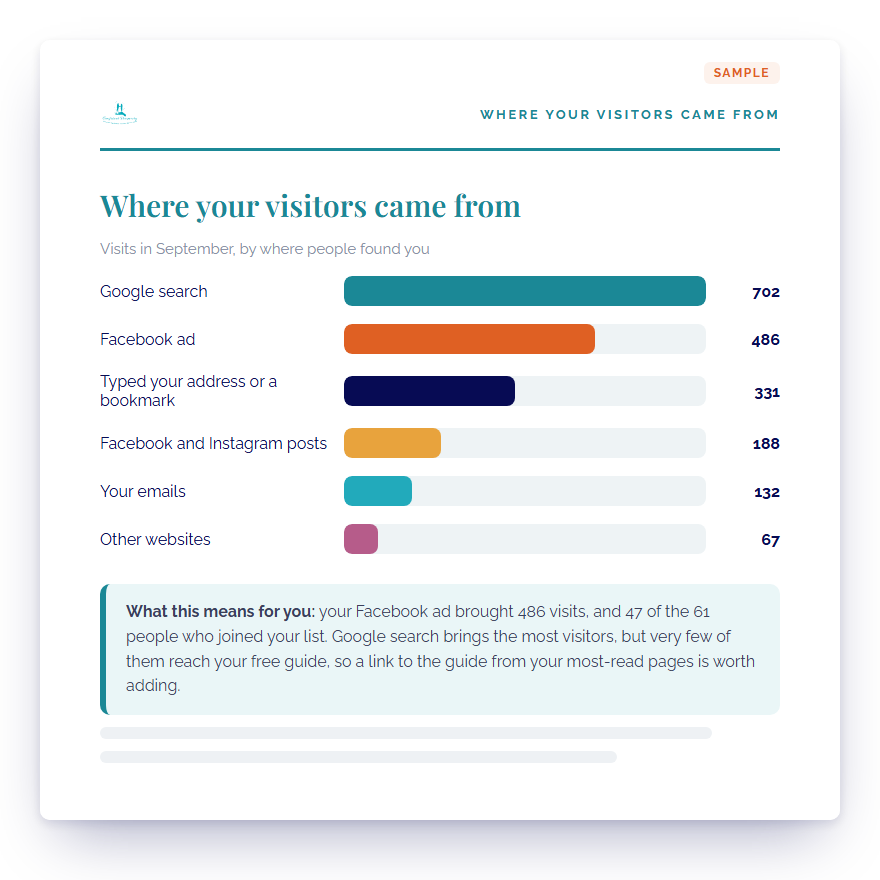
What actually helps is this: tracking set up around the moments that matter, someone reading the data every month, and an easy-to-understand report that says, in clear words, which of your marketing activities brought your visitors, which pages are doing their job, which aren’t, and what’s worth your attention next.
Forget the spreadsheet and the dashboard full of graphs.
This is a report you can read over a cup of tea and actually understand.
And if something’s broken, a broken link, a page loading slowly, a form that isn’t recording sign-ups, you’d know about it.
Right now, you might not find out for months.
Deciding with information instead of hope changes how you work.
You can finally stop doing everything and start doing what works.
That’s what you get with Know What’s Working
Tracking set up around the moments that matter
Someone reading your numbers for you every month
An easy-to-understand report that tells you what to do next
I track my own website and opt-in pages this way. Every month.
I want to tell you something I discovered when I ran one of my own free gift campaigns.
In its first month, tracking showed the Facebook ad for that campaign had brought 84 new people onto my email list.
That was useful to know.
But what was more useful was this: two of my sign-up pages weren’t doing the same job at all.
One was turning about 36 in every 100 visitors into sign-ups.
The other was turning about 23 in every 100.
Sign-up page Aabout 36 in 100
Sign-up page Babout 23 in 100
Two of my free gift sign-up pages, side by side.
Without tracking, I’d have treated them as equals. I’d have split my effort evenly, or worse, sent more people to the weaker page.
Because I had the data, I knew exactly which page to send people to.
And one of those 84 people, some time later, clicked through from one of my emails and bought one of my programmes. We’d never spoken. The ad started it, and an email finished it. I only know that because both were tracked.
Hardly a dramatic story, right? But that’s what happens when you can see what’s working. You make better decisions.
I should tell you: I spent years as Head of IT at Unilever before I became a counsellor and copywriter. So the technical side of setting this up doesn’t intimidate me. But I also know that it intimidates most people, which is exactly why I handle it, and why I write the report so it’s easy to understand, rather than sending you a spreadsheet and wishing you luck.
Introducing
Know What’s Working
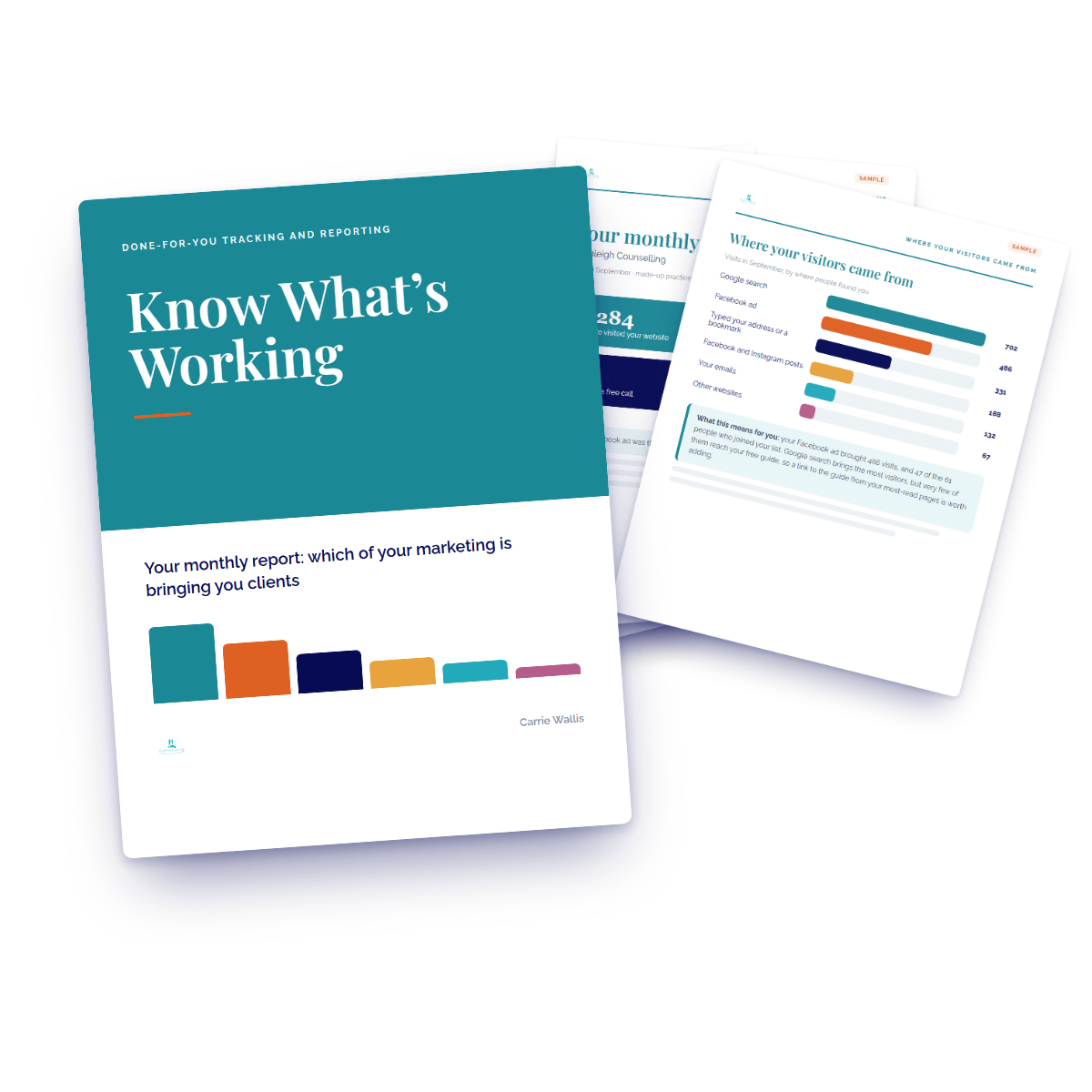
Know What’s Working is a done-for-you tracking and reporting service for practitioners who already have a website or opt-in pages and want to know what they’re actually doing.
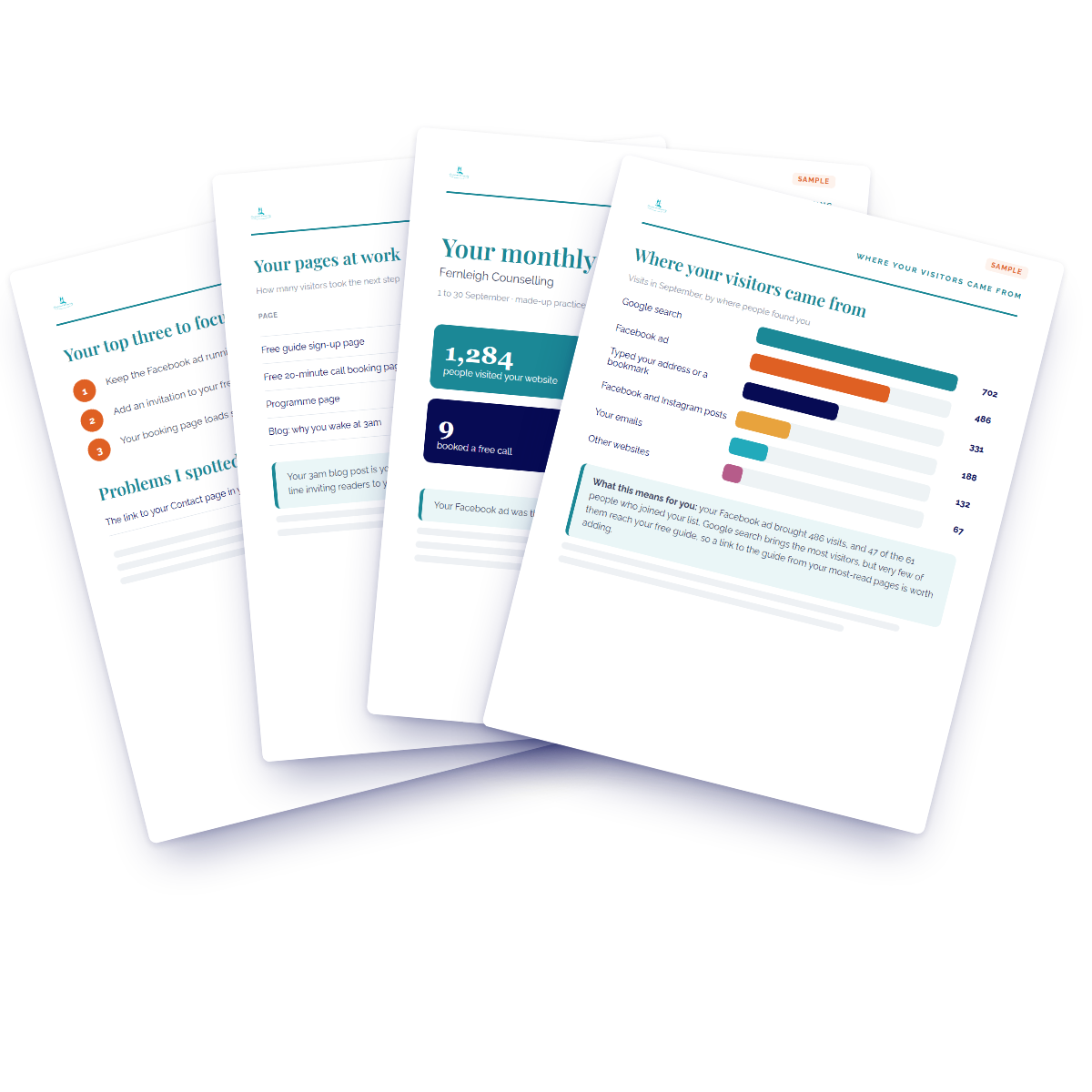
I set up proper tracking on your existing site and opt-in pages, and every month I send you an easy-to-understand report covering which of your marketing activities is bringing visitors who sign up and book, which pages are doing their job, and the two or three most useful things to focus on next. You won’t need a call, a spreadsheet or a new skill.
What’s included, and what it means for you
1
Set-up in your name
I create your Google Analytics and Google Tag Manager accounts in your own name. Your data belongs to you, always. You’re never locked into working with me. If we part ways, you take your account and your history with you.
2
Installation on your existing website and opt-in pages
I install everything on your existing site and opt-in pages. If I built your website or your opt-in page, I do it all for you and you don’t need to do a thing. If I didn’t, you give me access or paste one small piece of code using the written step-by-step instructions I provide. That’s the full extent of your technical involvement.
3
Tracking the moments that matter
I set up tracking for the things that actually count in a practice: someone signing up for your free gift, someone clicking to book a call, someone clicking a link in your emails. These are the actions that tell you whether your marketing is working.
4
A check that it’s recording
Before I call the set-up done, I verify that everything is tracking correctly. You don’t have to wonder whether it’s working. I confirm it.
5
Your easy-to-understand report, every month
Your report arrives at the same time each month, so you stay on top of things. The first one comes after your first full month of data. It reads like a note from someone who knows your website and opt-in pages.
6
Why the report matters to you
Each month you’ll know which of your marketing activities is bringing people who sign up and book, so you can spend your time and money on what’s working. You’ll spot what isn’t working before it costs you more. And if something’s broken, a form not recording, a link not going anywhere, you’ll know about it before it costs you clients.
After your first month, you’ll have
A clear picture of which marketing activities are bringing visitors to your website and opt-in pages, so you know where your effort is actually paying off.
An understanding of which pages are doing their job and which ones visitors are leaving quickly, so you can make decisions based on what’s real rather than what you assumed.
Tracking on the moments that matter, sign-ups, booking clicks, email link clicks, so you can see whether your free gift and your calls to action are connecting with people.
A record of any problems I spotted during the month, because a broken link or a slow-loading page can cost you clients, and right now you might never know it’s there.
Your own Google Analytics account, in your own name, that you keep forever regardless of whether you continue with the monthly report.
Why it matters to keep going
One month of data tells you where things stand right now. But the picture gets clearer every month.
Each month you’ll know the next two or three things most worth your attention to grow your business. Two or three specific things, based on your actual data, rather than a long list of things you should probably do.
Over time, you stop guessing. You start seeing patterns. You know which activities reliably bring people who book, and which ones are just filling your to-do list.
Imagine having a year of tracking. Where would your business be?
No more money spent on ads that don’t lead anywhere.
More back from every dollar you put into ads, because you’ll know which ones are actually working and you can put more behind those.
Your time and attention on the marketing activities that are bringing you clients, not spread thinly across everything in the hope that something sticks.
Who’s behind this
Carrie Wallis
Author of From Strangers to Clients
I’m Carrie Wallis, author of the bestseller From Strangers to Clients and founder of Confident Prosperity. I help counsellors, coaches, healers and consultants market their work without feeling like they’re selling themselves out.
Before all this I was Head of IT at Unilever, and I’m a certified copywriter, a professional counsellor and a master coach, so I understand both sides: the numbers, and the person who has to make sense of them.
Is this for you?
It’s for you if
It’s for you if you already have a website or opt-in pages with a free gift or a contact page, and you’re actively putting time into posts, emails, or ads.
It’s for you if you want to know which of your marketing activities are bringing people who actually book, without having to learn how to find that out yourself.
It’s for you if you’ve heard of Google Analytics but have no interest in becoming someone who understands it. You just want the information, made easy to understand.
It’s for you if you’re a counsellor, coach, energy healer, consultant, or any practitioner whose clients choose you because they trust you, and you want your website to reflect that work properly.
It’s for you if you’re ready to make decisions based on what’s actually happening, rather than what you’re hoping is happening.
It’s probably not for you if
It’s probably not for you if you don’t have a website or opt-in pages yet. There’s nothing to track until there’s a page.
It’s probably not for you if you love data and want to do your own analysis. You’d be paying for something you’d prefer to do yourself.
It’s probably not for you if you want someone to rebuild your website from scratch. That’s my Get Found website, and it’s covered in the questions below.
It’s probably not for you if you’re looking for someone to run your marketing for you. This service tells you which of your marketing activities is working so you can decide what to do. The doing is still yours.
Questions people ask before they start
Do I need to know anything about Google Analytics?
No. That’s the point. You don’t need to log in, learn the interface, or understand what any of it means. I read the data and send you an easy-to-understand report each month. If you ever want to look at your own account, it’s there and it’s yours. But it’s not required.
What do you need from me to set it up?
Access to your website and opt-in pages, so I can install the tracking. If I built your website or your opt-in page, I handle everything and you don’t need to do a thing. If I didn’t, depending on your platform, that might mean logging in to give me access, or pasting one small piece of code using the written instructions I provide. I’ll tell you exactly what’s needed once I know which platform you’re on. Beyond that, I handle everything.
What platforms does this work on?
GoHighLevel, Squarespace, WordPress, Wix, Showit, Kajabi, and most other standard website platforms, as long as your plan lets you add a small piece of code. Some free or entry-level plans don’t allow this. If you’re not sure, ask me before you sign up.
I bought the Client Magnet Kit. Can you track just my opt-in page?
Yes. Know What’s Working can cover just the opt-in page I built for you, or that page plus your website. The price is the same either way, so you might as well include your website if you have one.
Can I cancel?
Yes. There’s no lock-in and no minimum term. If you decide the monthly report isn’t for you, you cancel and the reports stop. Your Google Analytics account stays in your name, with all your data intact. You keep that regardless.
I’m a Confident Prosperity Platinum member. Is this included?
If I built your website, your monthly report is already included in Platinum. If I didn’t, you can have a sparkly new website, optimised for AI and traditional search, with tracking built in: that’s my Get Found website. See the Get Found website
What if I want a new website instead?
My Get Found website is done for you, optimised for AI search and traditional search, with tracking set up from day one and three months of Know What’s Working reports included. See the Get Found website
Ready to know what your website and opt-in pages are actually doing?
It’s simple. You start with the one-off set-up, and your first monthly report arrives after your first full month of data. Everything is done in writing. No calls required.
The set-up, done for you
Google Analytics and Google Tag Manager created in your name
Installation on your existing website and opt-in pages (if I built them, I do it all for you)
Tracking set up for sign-ups, booking clicks, and email link clicks
Confirmation that everything is recording correctly before I call it done
Written step-by-step instructions if you need to paste one piece of code yourself
Then every month, your Know What’s Working report
Which of your marketing activities brought your visitors
Which pages they visited and how long they stayed
Which pages and free gifts are turning visitors into sign-ups, and which aren’t
Any problems I spotted during the month
The two or three most useful things to focus on next
$297 AUD set-up, then $197 AUD a month. No lock-in, cancel anytime.
You’ve been working without the information. That’s fixable.
You don’t need to understand analytics. You don’t need to learn a new tool. You need someone to set up the right things on your existing website and opt-in pages, read the numbers each month, and tell you clearly which of your marketing activities is working and what to do next. That’s what this is. And once you have that information, you’ll wonder how you made decisions without it, right?